Song to violin sheet music
A recording to violin sheet music
Choose a violin or fiddle recording, a hummed tune or a song, and get the melody in treble clef at the pitch a violin reads, played back on a violin sound.
Drop a violin recording or voice memo here
MP3, WAV, M4A, FLAC, OGG, AIFF or a video, up to 95 MiB, or a link from YouTube, Bilibili and other sites. Choose One instrument or voice. It costs 10 credits and covers up to 6 minutes a piece (15 with Plus).
- Free
- The first 30 seconds, without an account
- Works from
- A violin or fiddle, a voice memo, or a song with a clear melody
- Downloads
- PDF, MP3 and WAV. MusicXML and MIDI with Plus or a purchased credit pack
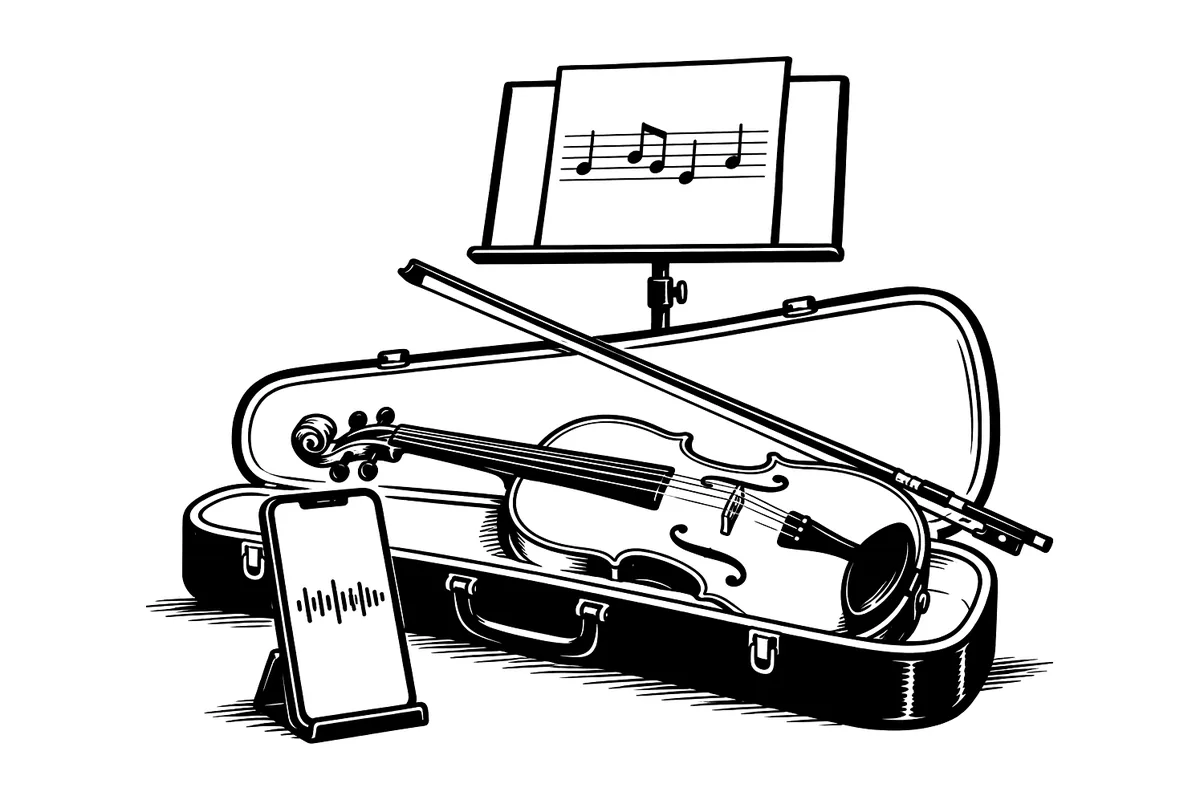
ScoreStarling writes a violin or fiddle melody in treble clef, at sounding pitch, from a recording, a hummed tune or a clear song melody. Listen on a violin sound beside the take and check bow changes, repeated notes and ornaments before printing. Try the first 30 seconds without an account; one instrument uses 10 credits a piece.
From a violin take to a playable part
- Upload the violin or fiddle take. For an unaccompanied melody, choose One instrument or voice; for violin with piano, choose A band or several instruments.
- Listen to the opening and set the tempo if you know it. Check any pickup before the first full bar.
- Compare one bowed phrase at a time. A change of bow may split a sustained pitch; join the notes only when the recording really holds one sound.
- Set the playback instrument to Violin. Check the register and the ornaments, then download the part. The workspace guide covers uploading, editing and downloads.
Check the strings and the register
The violin’s open strings are G3, D4, A4 and E5. G3 is its lowest ordinary note; music taken from a low voice or cello can fall below it. Raise the phrase or the whole score by an octave, then listen again. Changing the playback sound to Violin does not move an out-of-range note.
A violin reads at sounding pitch. A viola is a different instrument with a lower C string and usually an alto clef, so changing the title to “viola” does not make the part ready. Keep the violin part in treble clef and check the actual notes before choosing another instrument.
Separate a new note from a bow change
A violin can hold one pitch while the bow changes direction. Listen for whether the pitch continues or is played again before joining two written notes. Wide vibrato and a slide into a note can also produce short extra pitches. Keep a deliberate slide or a new attack; remove only what the recording does not contain.
The audio cannot tell you which finger, string or position the player intended. Bow direction, positions and finger numbers need a player’s decision. Add those marks in your notation app after exporting MusicXML.
Check double stops and fiddle ornaments
Two notes bowed together are a double stop. Check both pitches in the recording instead of assuming that a melody draft has preserved them. The same written pitch may also be playable on different strings, with different tone and fingering.
For a fiddle trill, roll or turn, decide whether the player needs every sounded pitch or a held note with an ornament sign. The Minstrel Boy example above joins the rapid alternation into one A with a trill sign; that is an editorial correction, not automatic knowledge of the bowing.
Record the phrase you need to learn
- For an unaccompanied tune, record the violin by itself. A piano doubling the melody makes it harder to check which notes belong to the violin.
- Leave the pickup and the end of the bow stroke in the excerpt. Cutting exactly on the beat can hide how the phrase starts.
- Keep drones and double stops when they are part of the tune, and check them explicitly in the result. Record a simpler melody-only take if you only need the tune.
Before the music stand
For One instrument or voice, check the initial 4/4 time signature against a waltz in 3/4 or a jig in 6/8. For a quartet, use string quartet to sheet music so the players have separate parts. A transcription remains a draft until you have checked the pitches, rhythm and playable range.
For the instrument’s construction and playing technique, see Yamaha’s violin guide. Our accuracy tests describe what was measured, including errors.
Questions and answers
Is it free?
Yes. Try the first 30 seconds of your violin take without an account. A free account receives 100 credits a month, shared with its other uses, and one instrument uses 10 credits a piece with PDF, MP3 and WAV downloads. The free 30-second preview remains optional after sign-in. Free-account PDFs have a small watermark. Editable downloads need Plus or a purchased credit pack.
Can I turn a song into violin sheet music?
Yes, its melody. One instrument or voice writes a single melody line and works best when one part stands out, such as a singer or a solo instrument. In a busy band mix the tune can get lost. Then hum or sing it into your phone and use that recording, or choose Band or several instruments, which writes every part on its own staff for 30 credits a minute once you agree to the price.
Is the music written in the right key for violin?
Yes. The violin reads music at the pitch it sounds, so the notes are written as you hear them, in treble clef, with no transposing. A recording tuned away from A440 is retuned before the notes are read.
What if the melody is too low for a violin?
The violin’s lowest note is the G below middle C, and a tune taken from a low voice or a cello line can go under it. In Score settings, under Transpose, choose Up an octave to move the whole score up, or pick another interval to put it in an easier key.
Can I hear it played on a violin?
Yes. Set the playback instrument to Violin in Score settings. The playback, and the MP3 and WAV you download, use that sound. Play it beside the recording to check each bar by ear.
Does it write double stops and trills?
Check both notes of a double stop in the result. A trill may appear as a run of quick notes; if you want an ornament sign, join those notes and add the sign in your notation app. Bowings, fingerings and positions need a player’s judgment.
More tools
-
String quartet to sheet music
Turn a string quartet recording into a score and parts, with the viola in alto clef. 30 credits a minute; the first 30 seconds are free.
-
Song to flute sheet music
Turn a flute recording, a hummed tune or a song’s melody into flute sheet music you can hear on a flute, fix and print. The first 30 seconds are free.
-
YouTube to sheet music
Paste a YouTube or Bilibili link and get sheet music you can play back, fix and print. The first 30 seconds are free, no account needed.