
Meet your music sidekick
ScoreStarling is an all-in-one AI sheet music assistant. Ask Starling for whatever your music needs: transcribe a song, read a PDF or photo, add chords, change key, simplify it, write guitar TAB or arrange it for your instrument.
An illustrated example, not a live assistant: a musician hums a melody, and a waveform collects on the paper. Starling turns it into MIDI and then sheet music. The musician asks for G major, a left-hand accompaniment with simple chords, and finally guitar TAB. Each request changes the score before the next begins.
What people use it for

Write down what you played
Save a melody from your voice memo or a recording of your playing.

Parts for every player
Check the band score, then print a separate part for each player.

Hear a printed page
Open a PDF or a clear photo of printed music and press play.

Read it your way
Read the score on a staff, as guitar TAB or in jianpu, and transpose it for your instrument.
Every note within reach
Click a note to change it, hear the fix at once, undo anything
Listen side by side
The score plays in time with your recording. Loop a bar until it sounds right.
Change the details
Move a note, change a rhythm or add dynamics. Undo any edit.
Make it fit the player
Transpose it, and read it on a staff, as guitar TAB or in jianpu.
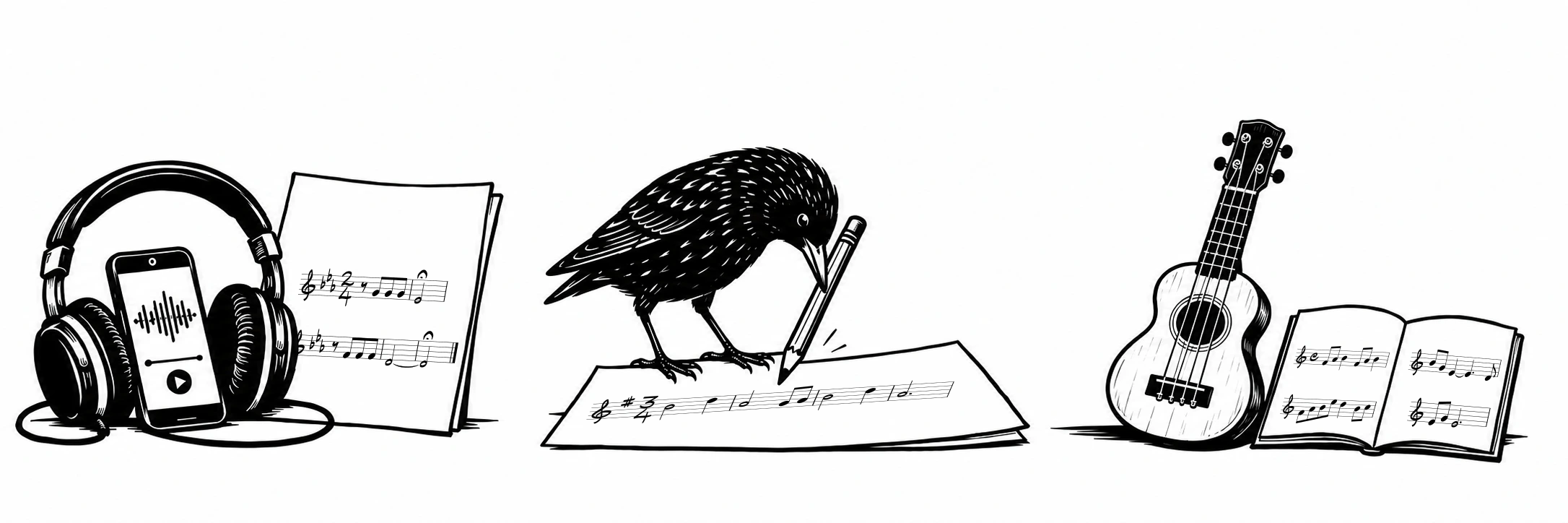
Starling wherever you work
Ask Starling to write it out, change the key or make a passage easier to play
-
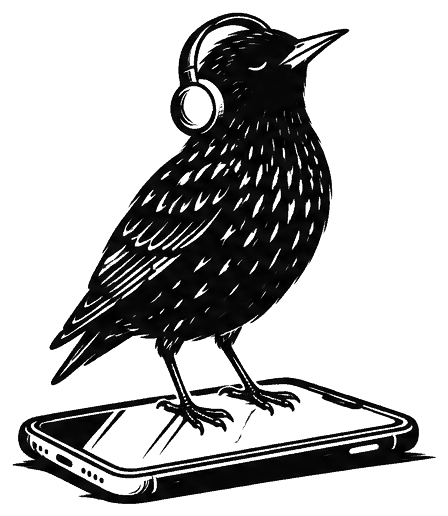
Start from any music
Bring a recording, video link or PDF. Tell Starling what you want to play.
-
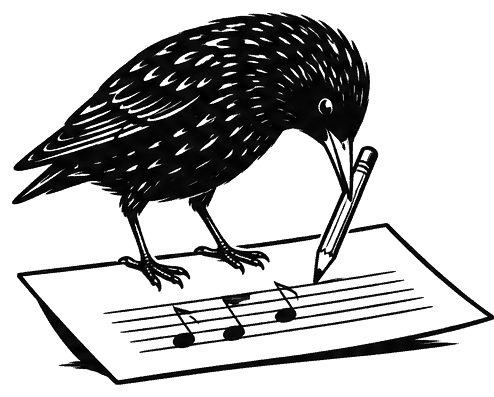
Work on the score you have
Select a passage and ask for a change. See each edited note on your score.
-
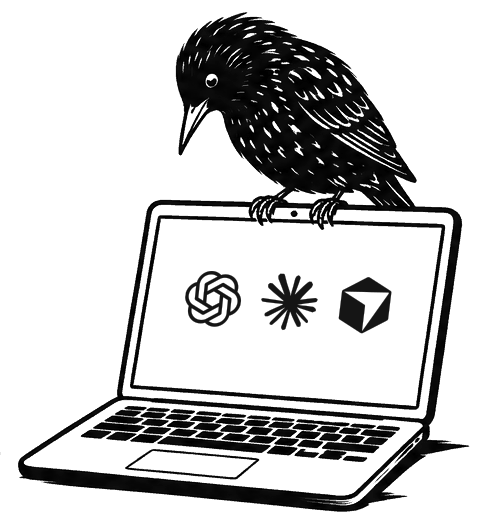
Or bring your own AI
Use the same scores and tools in ChatGPT, Claude, Cursor or another assistant.