Sheet music to guitar tab
Open sheet music or a score file and read it as guitar TAB in your tuning.
Drop sheet music or a score file here
A printed staff PDF or picture, MusicXML, MIDI or ABC. The score opens with TAB under the staff.
- Free
- Your own MusicXML, MIDI or ABC file
- Tunings
- Standard, drop, open, 7-string, bass and ukulele
- Downloads
- PDF and TAB as text
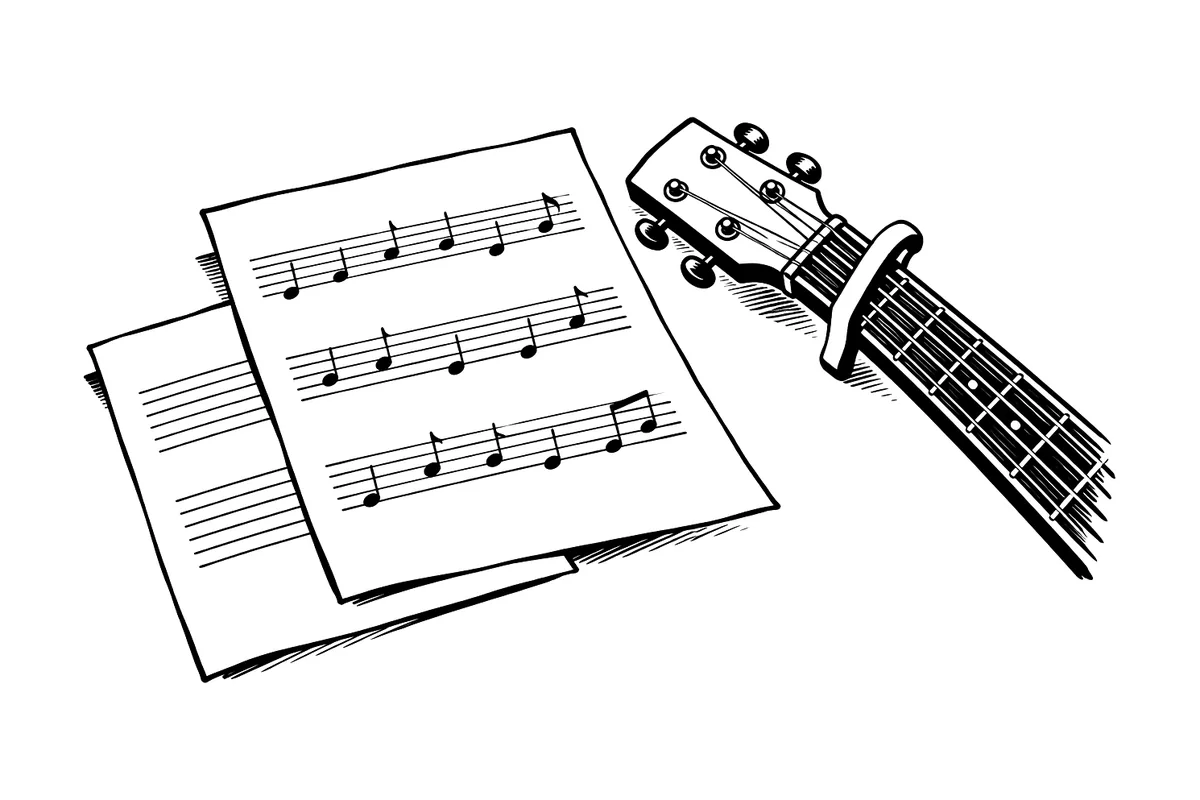
You can convert sheet music to guitar tab online, with nothing to install. Open a PDF or photo of printed music, or a MusicXML, MIDI or ABC file, and read it with TAB under the staff, or TAB alone, in the tuning and capo you play with. Every string and fret can be changed. Your own score file opens free, and a PDF or photo is 10 credits.
Ode to JoyThe same four bars before and after
Guitar · Standard
  1                 2                 3                 4
e|-0---0---1---3---|-3---1---0-------|-------------0---|-0---------------|
B|-----------------|-------------3---|-1---1---3-------|-------3-3-------|
G|-----------------|-----------------|-----------------|-----------------|
D|-----------------|-----------------|-----------------|-----------------|
A|-----------------|-----------------|-----------------|-----------------|
E|-----------------|-----------------|-----------------|-----------------|
How it works
- Choose your file above. The workspace opens with it, set to Staff and TAB, after you sign in if needed.
- Press Create score. Your own score file uses no credits, and a PDF or photo uses 10.
- The score opens with TAB under the staff. Press TAB again for TAB alone, or Staff to turn it off.
- In Score settings, open the part and set its tuning, capo and hand position under TAB.
- Download the PDF, or TAB as text under More formats.
What you bring and what you get
You bring
- A PDF or picture of printed staff notation
- A MusicXML, MIDI or ABC file
- A file that already has a TAB staff, read once
You get
- The staff with TAB under it, or TAB alone
- Your tuning and capo, and the strings you choose
- A PDF and the TAB as text to paste
- Guitar Pro and MusicXML files with the TAB, with active Plus
What each kind of file gives the TAB
Sheet music has the notes but not the strings, so where the strings come from depends on the file.
| You bring | Notes | Strings and frets |
|---|---|---|
| A clean PDF exported from notation software | Read from the page | Chosen for your tuning |
| A phone photo or a scan of a printed part | Read from the page. Check them, because photos read less reliably | Chosen for your tuning |
| MusicXML without TAB, MIDI or ABC | Taken as written | Chosen for your tuning |
| MusicXML from MuseScore or Guitar Pro with a TAB staff | Taken once, not doubled | Kept, with its tuning and capo |
| A Guitar Pro file (.gp, .gpx, .gp3–.gp5) | Taken as written | Kept, with its tuning |
Nothing here is listened to, so there is no recording to check against. Compare the result with the page you started from. For TAB from a recording, see audio to guitar tab.
Your tuning, your capo, your strings
- StandardE A D G B E
- Drop DD A D G B E
- Half step downE♭ A♭ D♭ G♭ B♭ E♭
- Whole step downD G C F A D
- Drop CC G C F A D
- DADGADD A D G A D
- Open GD G D G B D
- Open DD A D F♯ A D
- Open EE B E G♯ B E
- 7-stringB E A D G B E
- BassE A D G, drop D, 5 and 6 strings
- UkuleleG C E A, baritone D G B E
- A capo up to the 12th fret. Frets count from the capo, and “Capo 2” is printed over the first bar.
- Lowest frets writes each note the way notation apps do. Fewest hand shifts keeps your hand in one position until the music moves away. How guitar TAB chooses strings and frets shows both.
- Select a note to move it to another string at the same pitch, or type a fret. Alt (Option on a Mac) and Shift with the up or down arrow moves it a string.
Good to know
- Showing TAB, choosing a tuning or moving a note to another string never changes what plays. A typed fret changes the note’s pitch.
- Phone photos and handwriting read poorly. A clean PDF from notation software reads best.
- Bends, slides, hammer-ons, rhythm slashes and chord diagrams aren’t written, and one tuning and capo last the whole piece.
- MuseScore opens our MusicXML with every string and fret but leaves out the capo, so the frets then read from the nut.
For a four-string melody part, see ukulele TAB from audio. New to the numbers? Start with how to read TAB.
Questions and answers
Is converting sheet music to guitar tab free?
Opening your own MusicXML, MIDI or ABC file is free, and so are its TAB, the PDF and TAB as text. A PDF or photo of sheet music uses 10 credits a piece. On a free account the PDF carries a small watermark, and MusicXML and Guitar Pro files with the TAB come with active Plus. See pricing.
Which music turns into good TAB?
A melody, a lead sheet or a part written for guitar, bass or ukulele. A piano’s two hands rarely fit six strings, so notes that can’t be played as written are marked in red and you choose which to keep.
Which part becomes TAB?
Every guitar, bass or ukulele part, found from its name and instrument, or the only part when the score has one. To show another part as TAB, open it in Score settings.
My file already has TAB. What happens to it?
A MusicXML file with a TAB staff, from MuseScore, Guitar Pro or another app, is read once, so the notes aren’t doubled, and its tuning, capo and strings are kept. A Guitar Pro file (.gp, .gpx, .gp3–.gp5) is read too, with its tuning and strings.
Can I get the TAB as plain text?
Yes. TAB as text, under More formats in Download, writes each line of strings with its frets, ready to paste into a message or a forum post.
More tools
-
Audio to guitar tab
Turn a song or guitar recording into staff and TAB. Check the notes, set your tuning and capo, then download PDF, text TAB or a Guitar Pro file.
-
PDF sheet music to MIDI
Scan a PDF or a clear photo of printed sheet music into a score you can hear and fix, then export MIDI or MusicXML. The first 30 seconds are free.
-
Fixing guitar TAB from a recording: tuning, missing bass notes and frets
A red fret number or a missing bass note in guitar TAB usually means the wrong tuning. Hear one low D, compare three TABs of it and fix yours.