YouTube to MIDI
Paste a YouTube link. The notes come back as a score you can play against the video and fix, then as a MIDI file with a track for each part.
Drop a video or recording here
Works with YouTube, Bilibili and 17 other video and music sites, and with public file, Drive and Dropbox links. One instrument covers 6 minutes (15 with Plus), a band up to 30 minutes (6 without Plus). Private, members-only and DRM-protected videos can’t be fetched.
- Free
- The first 30 seconds, without an account
- Price
- 10 credits a piece, a band 30 a minute
- MIDI
- With active Plus, your edits included
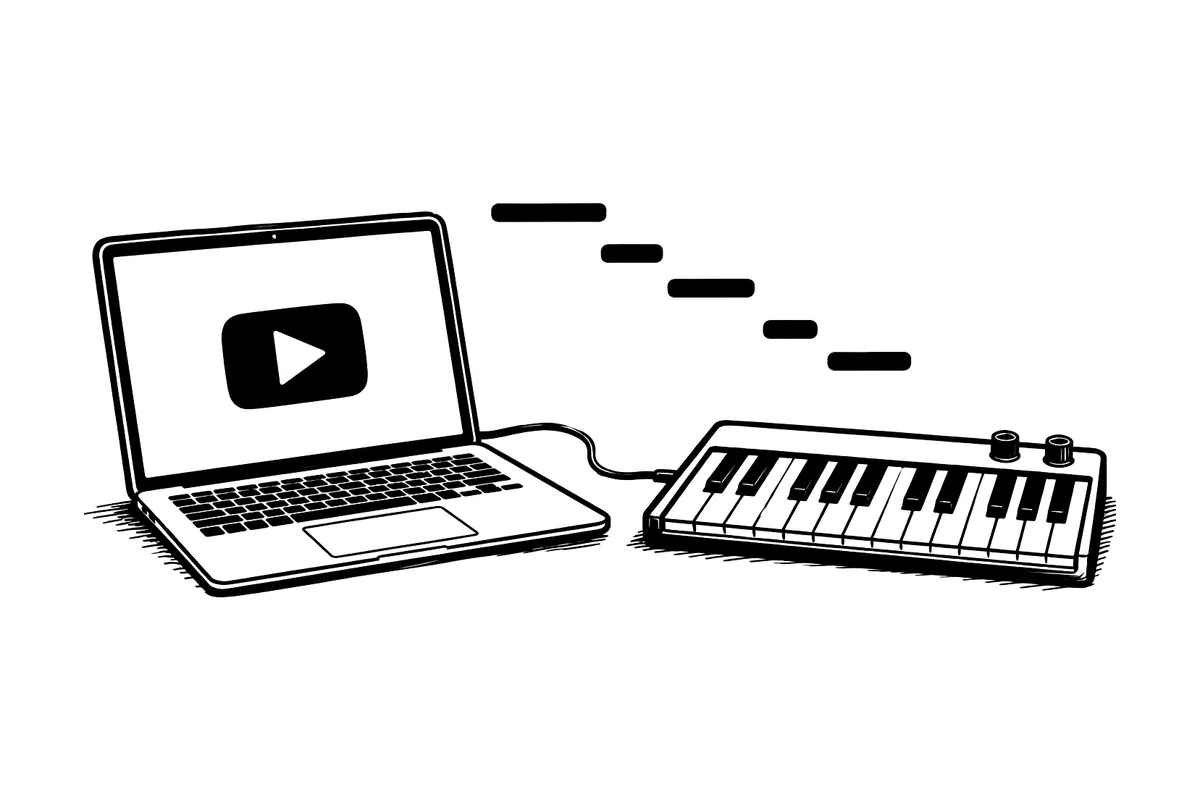
You can convert a YouTube video to MIDI online, with nothing to install. Paste a public YouTube or Bilibili link and say what is playing. ScoreStarling writes the notes as a score you play beside the video and correct, then you download the MIDI, one track per part, for a DAW, a piano app or notation software. The first 30 seconds are free without an account. A whole piece is 10 credits, and the MIDI download needs active Plus.
YouTube connects only when you press play. Watch the original on YouTube.
How it works
- Paste the link above. The workspace opens with it, signing you in first if needed, and checks the video’s title, its length and a few seconds of its sound.
- Say what is playing: one instrument or voice, solo piano, or a band. A band shows its price before anything starts.
- Our server fetches the sound and writes the score. Play it beside the original and fix the notes that sound wrong.
- Download the MIDI with active Plus. MusicXML of the same notes comes with it, and the PDF, MP3 and WAV are free.
Only fetch music you have the right to use.
What you paste and what you get
You bring
- A link to one video or song on YouTube, Bilibili, TikTok, Instagram, SoundCloud and other sites
- A public file link, or a Drive or Dropbox share link
- Or the video file itself
You get
- A MIDI file with one track per part, with active Plus
- MusicXML of the same notes for notation software, also with Plus
- A score to play beside the video and fix before you export
- PDF, MP3 and WAV
Why you hear a score before you get the MIDI
A converter that hands back a MIDI file straight away leaves you to find the wrong notes later, in a DAW or a piano app, one bar at a time. Here the notes show up as a score first, and you can play it against the video. A missed note or a note an octave out is easy to hear, and one click fixes it. The MIDI you download has those fixes in it.
What people do with the MIDI
| You want to | Open the MIDI in | Check first |
|---|---|---|
| Learn a piano piece from falling notes | A piano app that plays MIDI | Both hands are there and nothing is an octave out |
| Remake or remix the part | A DAW such as Logic, Ableton or FL Studio | The tempo and where bar 1 starts |
| Print or arrange it | MuseScore, Sibelius or Dorico (MusicXML is better here) | The key and the note spelling |
MIDI holds note events, not the video’s sound: the instrument you play it on supplies the sound. For notation software, take the MusicXML instead. It keeps the key, the spelling and the rests that a MIDI file loses, which is why MIDI imports often look messy.
Choosing a video that converts well
- A cover or a lesson where one instrument plays the part you want, instead of the full studio mix.
- A solo piano video, with Solo piano chosen, for both hands.
- A performance filmed close to the players, with nobody talking over the music.
- The official upload. A re-upload with sped-up audio or a shifted pitch moves every note.
Good to know
- One instrument or voice, and solo piano, cover the first 6 minutes (15 with Plus). A band covers up to 30 minutes (6 without Plus). A timestamp in the link doesn’t move the start; to begin later, save the video, trim it and drop the file in.
- If a platform blocks the download, choose a local MP3 or video file instead. Audio to MIDI covers files you already have.
- Want the notes printed rather than in a DAW? See YouTube to sheet music, or YouTube to guitar tab for TAB.
- Once ScoreStarling is connected to ChatGPT or Claude, you can paste a link in the chat too; see the connection guide.
Questions and answers
Is the MIDI download free?
Not on a free account. Without an account, the first 30 seconds are free to hear and check as a score. Signed in, a whole piece is 10 credits, and a free account gets 100 credits a month. Every account can download the PDF, MP3 and WAV. MIDI and MusicXML need active Plus, and then they come with every score, your edits included.
Can I turn a YouTube piano video into MIDI?
Yes, when the piano plays alone. Choose Solo piano: both hands and the pedal come out on a grand staff, and in the MIDI. Check pedal overlaps and fast runs against the video before you export. A song with vocals or a band over the piano needs Band instead.
Does the MIDI follow the performance’s timing?
It follows the score: the notes you see, at the score’s tempo, with each part on its own track. That makes it easy to slow down, loop or put in a piano app, but small pushes and pulls in the player’s timing are not kept.
Can each instrument get its own MIDI track?
Yes. Choose Band or several instruments after you paste the link. Each instrument you confirm gets its own staff and its own MIDI track. A band costs 30 credits a minute, and you see the price before anything starts.
Which links work?
One video on YouTube, Bilibili, TikTok, Instagram, SoundCloud and 14 more video and music sites, plus a public HTTPS file link or a Google Drive or Dropbox share link. Playlists, channels, running live streams, and private, members-only or DRM-protected videos can’t be fetched. Save the video yourself and drop the file in instead.
Will every note be right?
No. Treat the score as a draft and listen to it beside the video a few bars at a time before you export. A MIDI file plays whatever notes it holds, mistakes included. Our accuracy tests say what we measured.
More tools
-
Audio to MIDI
Convert an MP3, WAV or video to MIDI and check the notes by ear first. A score uses 10 credits, and the MIDI comes with active Plus.
-
YouTube to sheet music
Paste a YouTube or Bilibili link and get sheet music you can play back, fix and print. The first 30 seconds are free, no account needed.
-
Why MIDI imports look messy in MuseScore, and how to fix them
A guitar MIDI can turn into dozens of tiny rests in MuseScore. Our 12-recording test shows which settings and note edits improve the score.