

Meet Starling
Your all‑in‑one AI sheet music assistant
Ask Starling to write it out, change the key or make a passage easier to play
Try it with your musicFree credits
-
Turn this guitar video into TAB
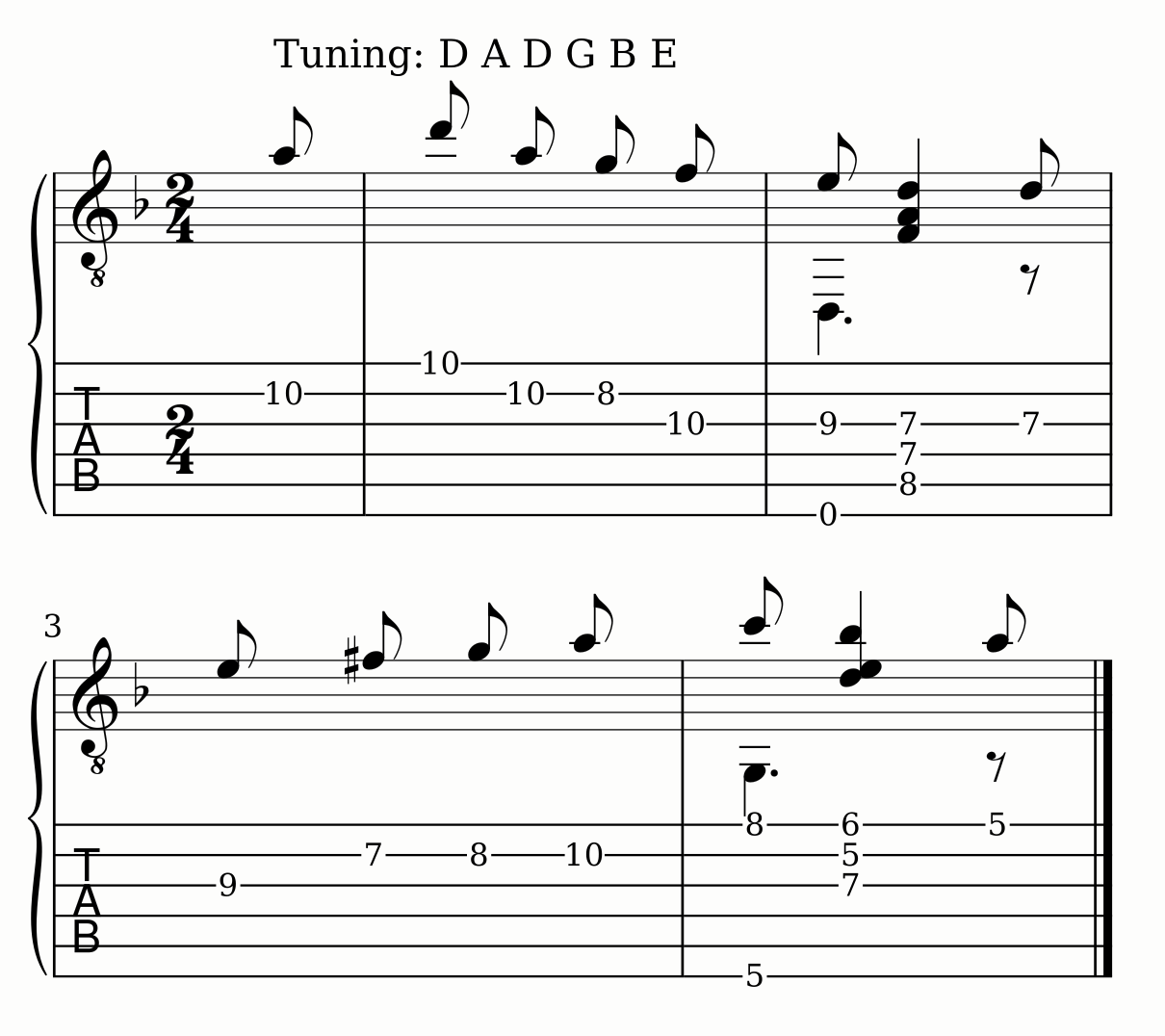
Video → guitar TABVideo by Chris Ball, CC BY-SA 2.5
-
Write this recording out for flute
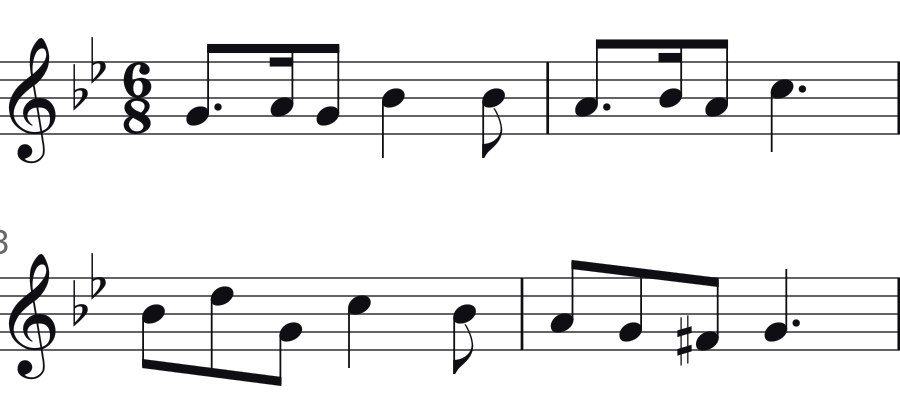
Recording → flute part
-
Make this photo of a score playable
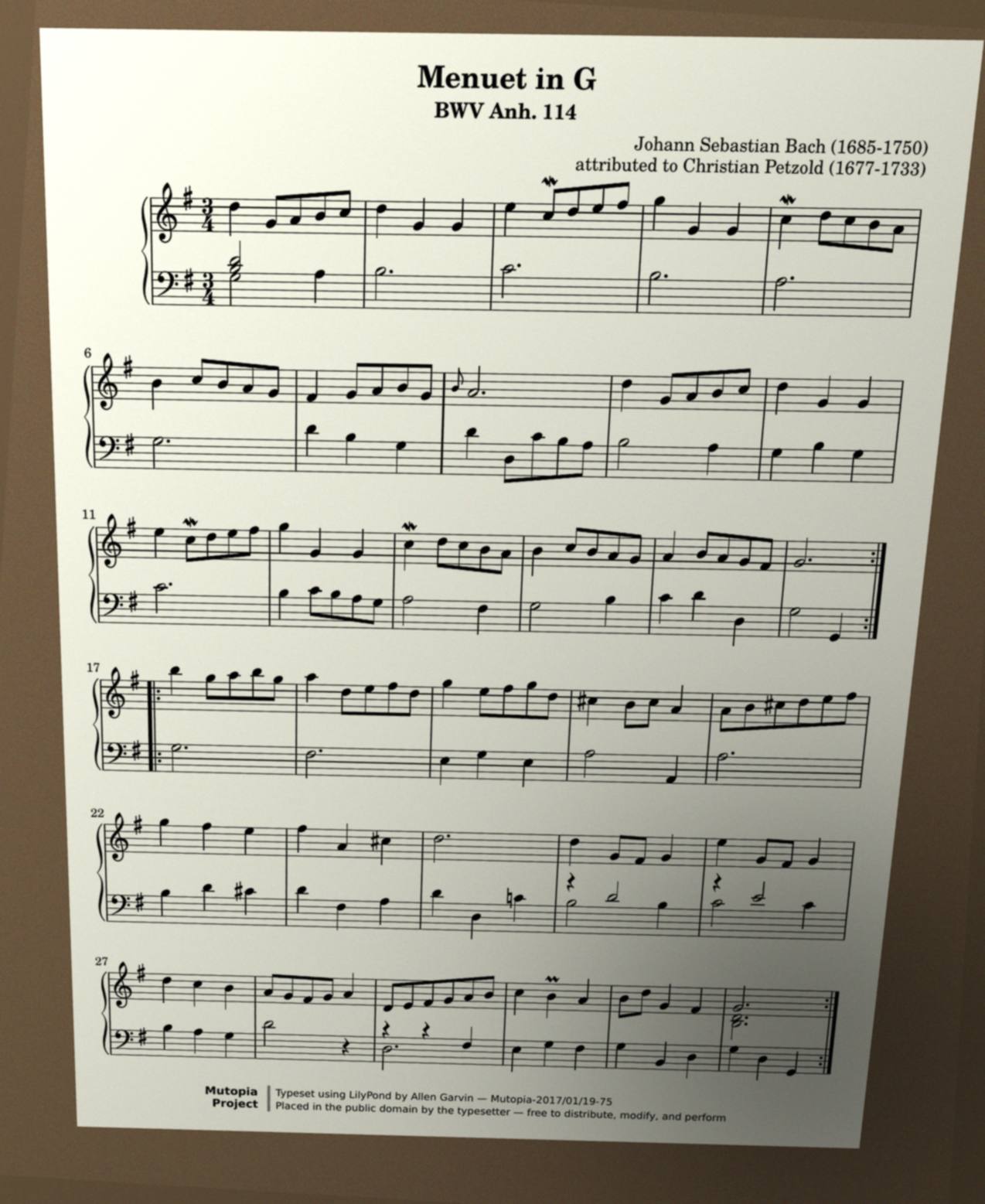
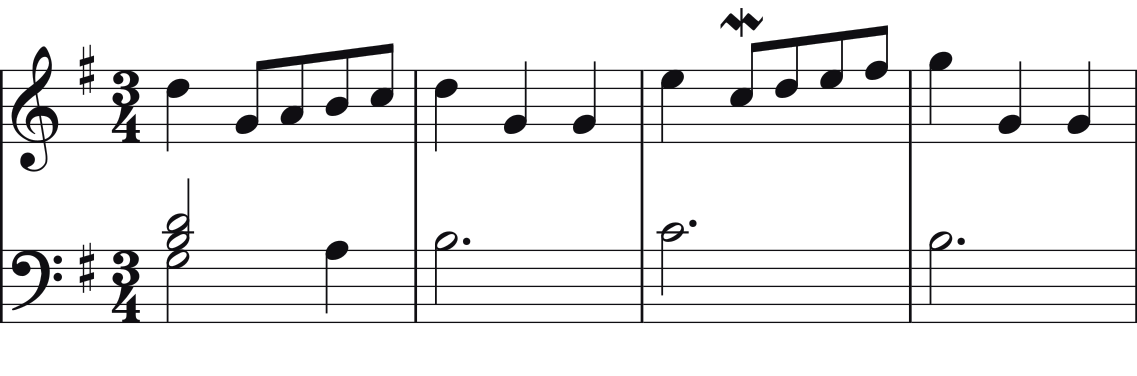
Photo → playable score
-
Write out the opening of the Moonlight Sonata

- Notes
- Staccato
- Slurs
- Beams
- Dynamics
- Check
- Piano roll
- Bar
A request → piano scoreIllustration
-
Put it up a whole step
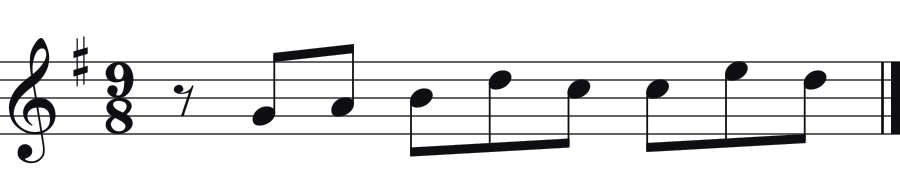
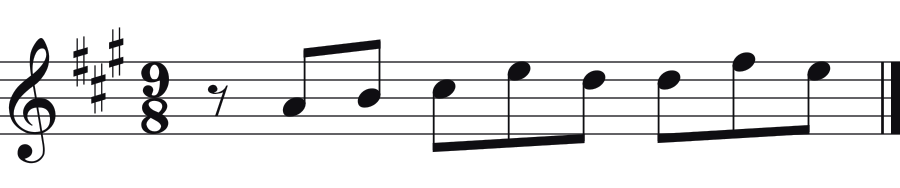
G major → A major
-
Write it out in jianpu
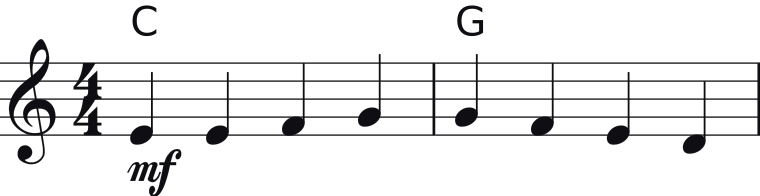
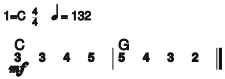
Staff → jianpu
-
Make it a ukulele part with chords
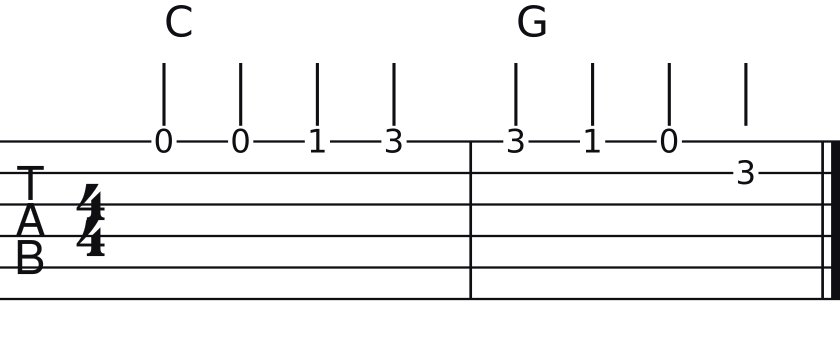
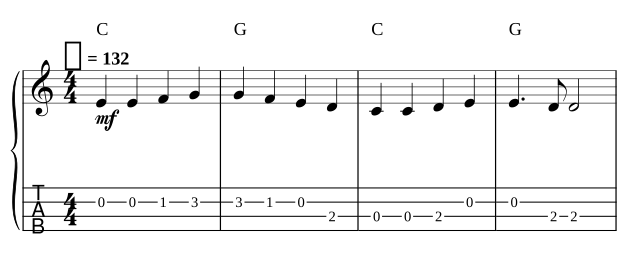
Guitar → ukulele
-
Make the left hand easier for my student
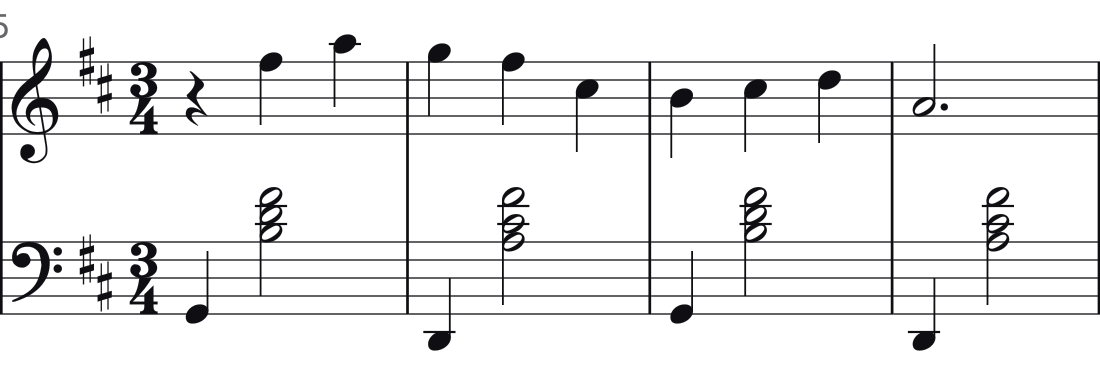
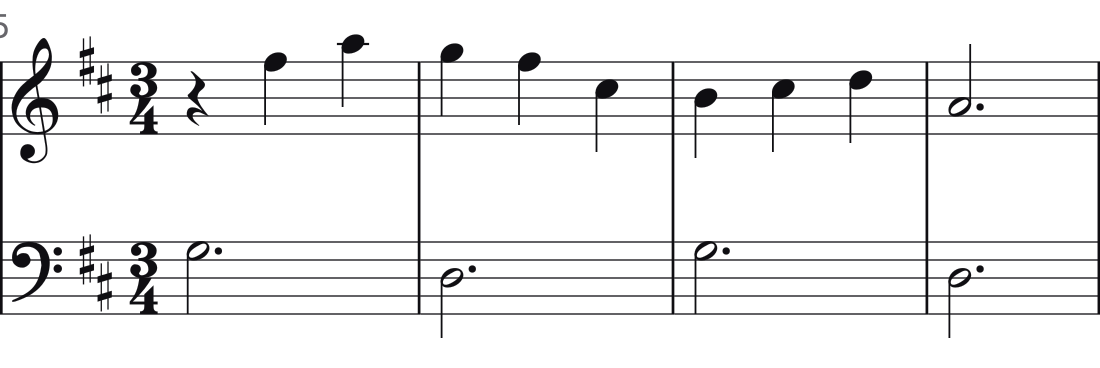
Piano → easier piano
-
Arrange this melody for four voices
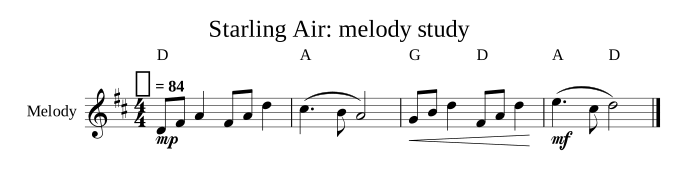
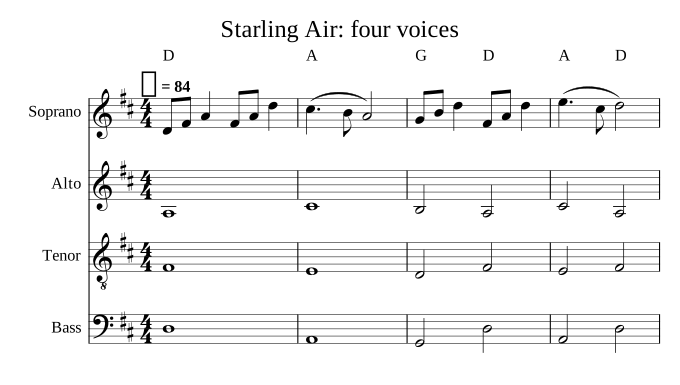
Melody → four voices
-
Give me the PDF and MusicXML
Score → PDF and MusicXML
You bring
A recording, a video or a page of sheet music
How it works
Starling listens, looks the piece up and checks its work
Transcribe this recording for piano
RecordingGymnopédie No. 1
Gymnopédie No. 1Bars 5–8
Pedal changes aren’t marked
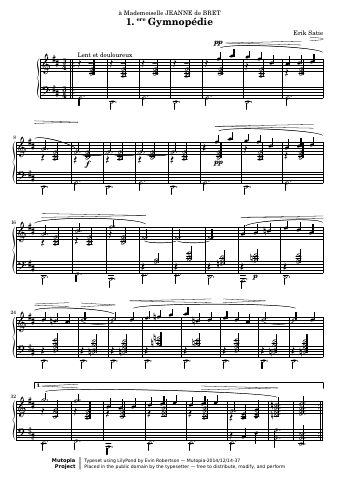
Recorded example, shortened for this demonstration
You get
A score that plays
Play it back for me
Ode to JoyLudwig van Beethoven
You say
Just ask Starling
Jesu JoyBar 1
EditedBar 1, last note · D4 → D5
PreviewUp a major second · G → A
ExportTwo files
Your turn
Sign in, add a recording, a link or a photo of a score, then tell Starling what you need
Tell Starling what you need Try it with your music
Free credits